Txt
Text in the platform's type scale, coloured by a role of the current theme.
Mobile only — React Native, from @krizaka/ui/native. Beta: its API may still change in a minor version.
Why it is here. Used by Orochia, Orazaka.
When to use
- For every text of a React Native screen: titles, body, captions, labels, figures (
mono).
When not to use
Installation
Install
npx expo install react-native-svg
npm install @krizaka/ui
Import
import { Txt } from "@krizaka/ui/native";Wrap the app once in ThemeProvider from @krizaka/ui/native: every component reads its colour roles.
Examples
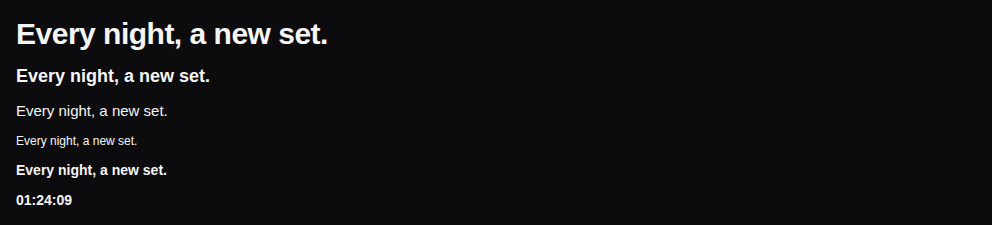
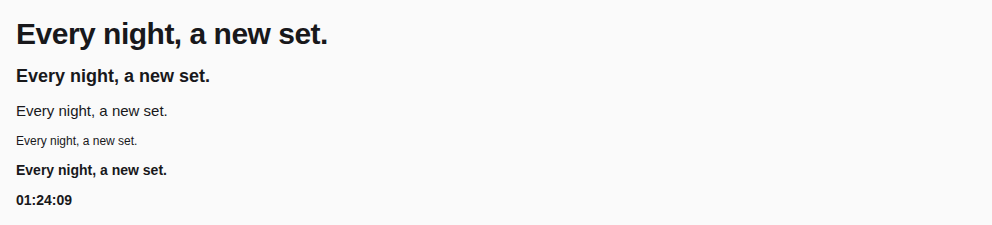
React Native has no live preview on the web: each example shows the screenshot of its story, tested in both themes, and the code to copy.
Variants
display, title, body, caption, label, mono.
Tones
text, secondary, muted, accent.


Props
Text in the platform's scale, coloured by a role of the current theme. title and display are headers for screen readers.
| Prop | Type | Default | Description |
|---|---|---|---|
tone | TxtTone | text | A text role of the theme (default text). |
variant | TxtVariant | body | The type scale: display · title · body (default) · caption · label · mono (tabular figures). |
Accessibility
titleanddisplayare headers for screen readers.- It follows the system's font scaling.
Best practices
- Pick a
variantfrom the scale and atonefrom the roles: never a font size or a colour by hand. mutedonly for large text or what is off: it reaches AA only as large text.
Related components
Generated from the code of @krizaka/ui 3.8.0: its meta.ts, its examples and its types.Edit this documentation on GitHub