List and detail
A list and the item open from it. One pane at a time on a phone — the list, then the item with the way back — and both side by side when the room holds them, decided by the width the layout is given, not by the device.
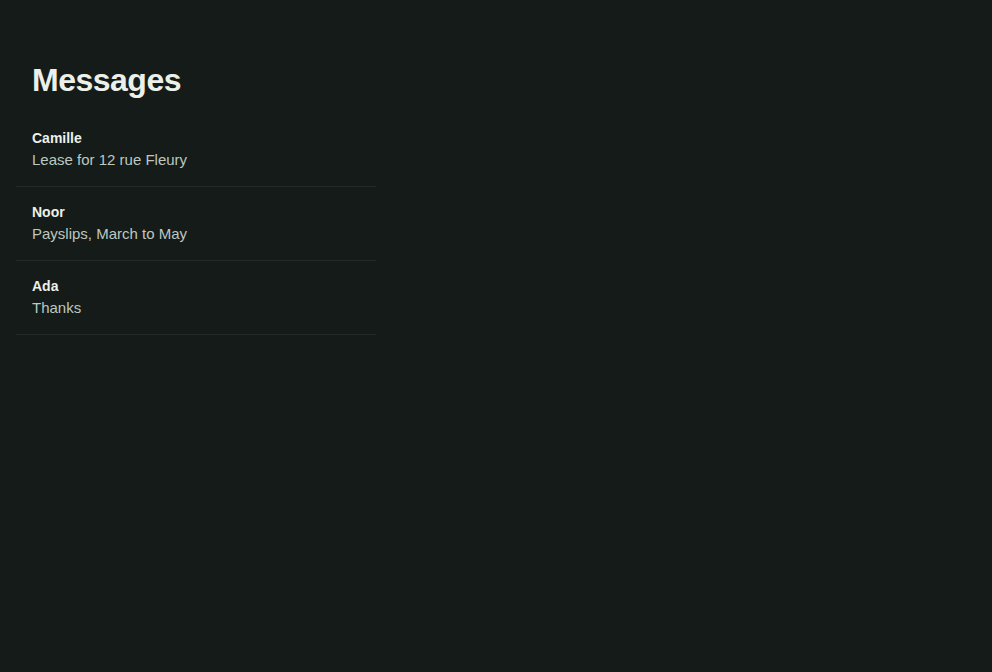
“Inbox”, its React Native story at a phone's width — the same code on iOS and Android.
Mobile only — React Native, from @krizaka/ui/native. Beta: its API may still change in a minor version.
- Web · n/a. On the web the same two panes are the split view. → Split view
- Desktop · n/a. The Mac app's window is the web: its list and detail are the split view. → Split view
Why it is here. the native apps: Yomizaka and Akinaza mobile, Orazaka mobile: messages, jobs and files as one pane on a phone and two on a tablet (krizaka-ui#753).
When to use
- Messages, jobs, files: a list where each item opens a screen of its own.
- An app that must work on a phone and a tablet with the same screens.
When not to use
Installation
Install
npx expo install react-native-svg
npm install @krizaka/ui
Import
import { ListDetail } from "@krizaka/ui/native";Wrap the app once in ThemeProvider from @krizaka/ui/native: every component reads its colour roles.
Examples
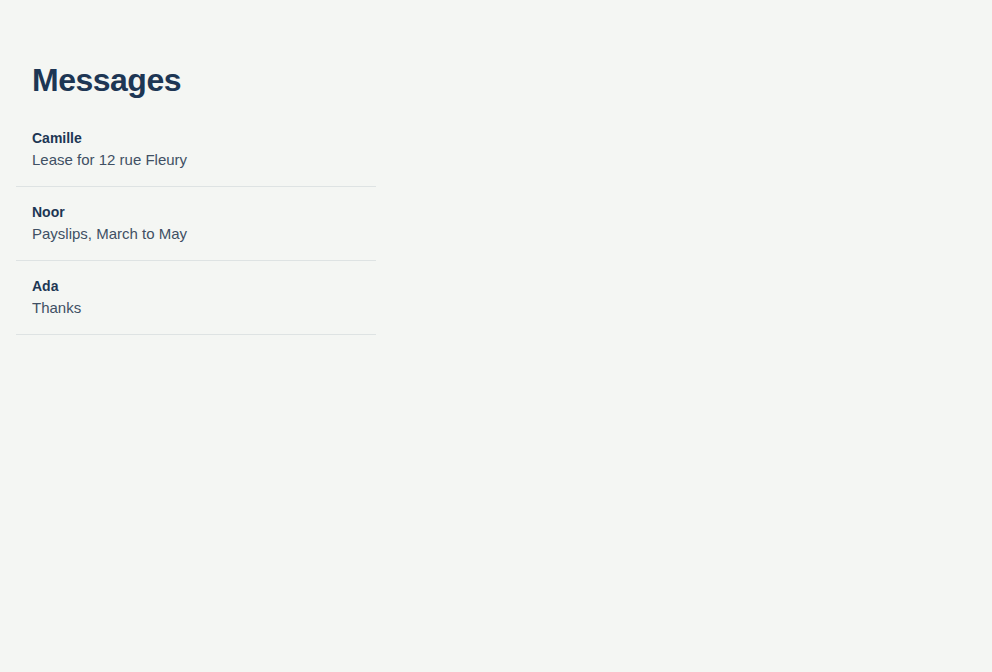
React Native has no live preview on the web: each example shows the screenshot of its story, tested in both themes, and the code to copy.
Inbox
Messages: the list, then the message with the way back; both side by side on a tablet.
Props
The two panes of a list and its item, or one of them, chosen by the width of the room.
| Prop | Type | Default | Description |
|---|---|---|---|
backLabelrequired | string | — | The way back to the list, shown when one pane shows at a time (Messages). |
listrequired | ReactNode | — | The list: a List, which scrolls itself. |
listTitlerequired | string | — | The list pane's title (Messages), the large title of the list. |
onBackrequired | () => void | — | Closes the open item: the app clears its selection. |
detail | ReactNode | — | The open item, or nothing when none is open. |
detailActions | ReactNode | — | Buttons at the right of the detail's bar. |
detailTitle | string | — | The open item's title, in the bar of the detail. |
empty | string | — | What the detail pane says when nothing is open and both panes show (Select a message). |
fontScale | number | — | The text scale to lay out for; by default the system's. |
listActions | ReactNode | — | Buttons at the right of the list's bar (a new item, a filter). |
listWidth | number | 340 | The list pane's width when both show (default 340). |
minDetailWidth | number | 400 | The least width the detail needs beside the list (default 400): below it, one pane at a time. |
testID | string | — | For tests. |
Accessibility
- Each pane has its own heading (the large title of the list, the title in the bar of the detail).
- On one pane the back button is named by
backLabel(the list's title); both panes show no back button.
Best practices
- The app owns the selection: pass
detailwhen an item is open,undefinedwhen none is;onBackclears it. Keep it in the address (expo-router) so the back gesture works. - Give the list a
List(it scrolls itself) and the detail a plain content (it scrolls inside the layout). - Both panes show from
listWidth + minDetailWidthpoints (340 + 400 by default); at 200 % text the detail needs twice its width, so a tablet at the largest text size shows one pane. - Say what the empty detail means (
empty: « Select a message »): it only shows when both panes do.
Related components
Generated from the code of @krizaka/ui 3.65.0: its meta.ts, its examples and its types.Edit this documentation on GitHub