Pull to refresh
The platform's pull to refresh in the theme's accent, for any ScrollView or FlatList — or BrandedRefresh, where the product's own mark is drawn as you pull and turns while it refreshes.
Mobile uniquement — React Native, depuis @krizaka/ui/native. Bêta : son API peut encore changer à une version mineure.
Pourquoi il est là. the native apps: Yasakia (PY4), Yororis (PYO2), Orochia mobile (PS6), Orazaka mobile: lists and feeds (and BrandedRefresh, krizaka-ui#137).
Quand l’utiliser
- A ScrollView or a FlatList the app draws itself: a feed, a profile.
Quand ne pas l’utiliser
- In a
List: itsonRefreshdraws it already.À la place : List
Installation
Installer
npx expo install react-native-svg
npm install @krizaka/ui
Importer
import { PullToRefresh, BrandedRefresh } from "@krizaka/ui/native";Enveloppez l’application une fois dans ThemeProvider de @krizaka/ui/native : chaque composant lit ses rôles de couleur.
Exemples
React Native n’a pas d’aperçu en direct sur le web : chaque exemple montre la capture de sa story, testée dans les deux thèmes, et le code à copier.
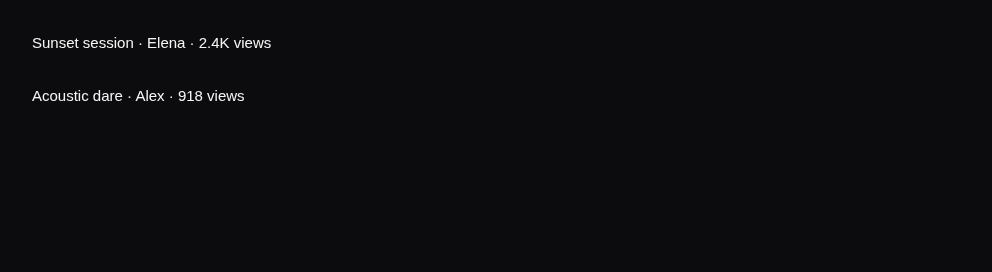
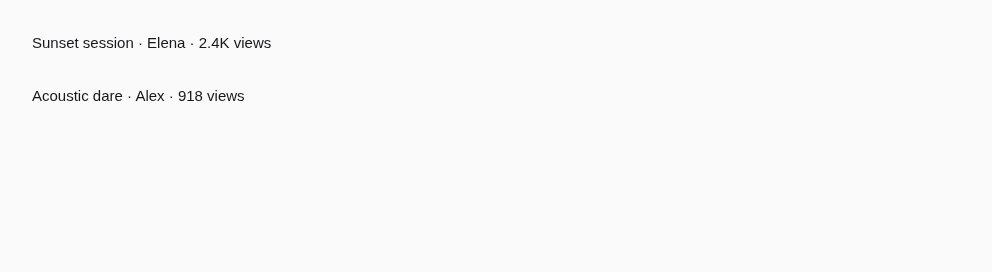
A feed
The spinner at the top of a ScrollView, in the accent.
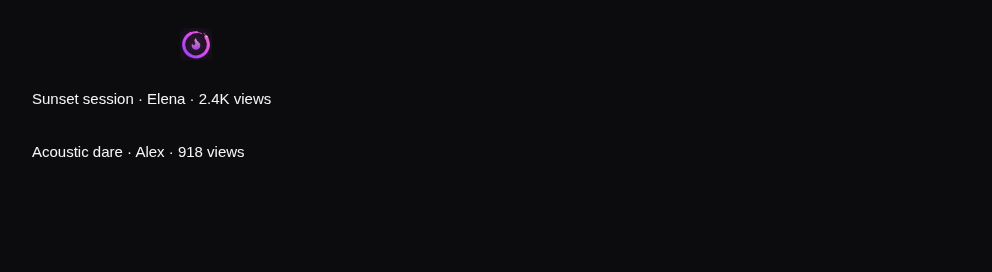
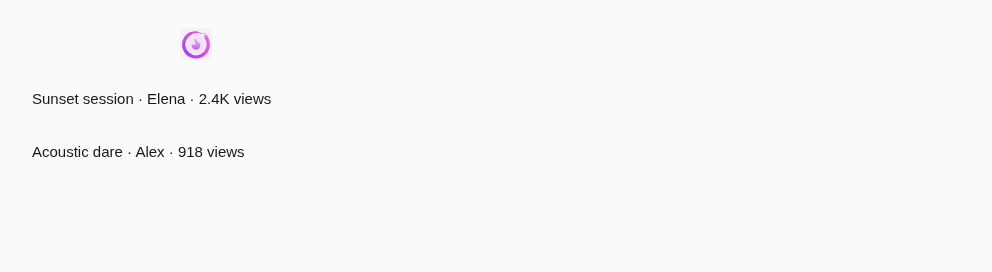
The product's mark
BrandedRefresh: Orochia's mark grows into place as you pull and turns while it refreshes; announced when it starts.
Props
PullToRefresh
The platform's pull to refresh in the theme's accent: the refreshControl of a ScrollView or a FlatList. List
draws it already with onRefresh.
| Prop | Type | Défaut | Description |
|---|---|---|---|
label | string | — | The words of the pull (“Pull to refresh”) — passed translated; shown on iOS under the spinner. |
BrandedRefresh
The product's mark as the pull-to-refresh: it grows and turns into place as the person pulls (iOS, where the content
overscrolls) and keeps its own motion while it refreshes (iOS and Android). The platform's control still does the
gesture, so the system announces it too; ours announces label when the refresh starts. Under reduced motion the mark
is still and appears without the growing.
| Prop | Type | Défaut | Description |
|---|---|---|---|
childrenrequis | (scroll: BrandedRefreshScrollProps) => ReactElement<unknown, string | JSXElementConstructor<any>> | — | The scrollable, given the props to spread: {(scroll) => <ScrollView {...scroll}>…</ScrollView>}. |
labelrequis | string | — | The words announced when the refresh starts (“Refreshing your videos”) — passed translated. |
onRefreshrequis | () => void | — | Called when the person pulls past the threshold. |
productrequis | BrandId | — | The product whose mark is drawn as the person pulls and turns while it refreshes. |
refreshingrequis | boolean | — | Whether the data is refreshing: keep it true until the new data is there. |
threshold | number | 72 | The pull (in points) at which the mark is complete. Default 72. |
Accessibilité
- The platform's control: announced by the system while it refreshes;
BrandedRefreshkeeps that control (transparent) and adds an announcement of itslabelwhen the refresh starts. - On Android the mark appears when the refresh starts (the platform does not report the pull); on iOS it is drawn as you pull.
- Reduced motion: the mark is still and appears without growing.
- Offer a refresh button too where pulling is hard (a short screen).
Bonnes pratiques
BrandedRefreshwhere the product's mark should wait with the person: spread the props it gives on the ScrollView ({(scroll) => <ScrollView {...scroll} />}).- Keep
refreshingtrue until the new data is there. - Do not refresh on every focus: a pull is the person's choice.
Composants liés
Générée depuis le code de @krizaka/ui 3.9.0 : son meta.ts, ses exemples et ses types.Modifier cette documentation sur GitHub