Grid and columns
Layouts that choose their columns from the room they are given — compact, regular or expanded — never from a device name: a grid of equal cells that never gets narrower than minItemWidth, and columns that sit side by side or stack. Safe with right-to-left and with text at 200 %.
« Photos », son histoire React Native à la largeur d’un téléphone — le même code sur iOS et Android.
Mobile uniquement — React Native, depuis @krizaka/ui/native. Bêta : son API peut encore changer à une version mineure.
- Web · n/a. On the web the grid is CSS and the page's width is the container query. → Card grid
- Bureau · n/a. The Mac app's window is the web: its columns are the web grid's. → Card grid
Pourquoi il est là. the native apps: Yomizaka and Akinaza mobile, Orazaka mobile: the dashboards, the galleries and the stat strips by size class (krizaka-ui#753; adoption yomizaka#430, akinaza#397).
Quand l’utiliser
- A screen of cards, photos or stats that is one column on a phone, two on a large phone in landscape or a small tablet, three or more on a tablet.
- A form and its summary, a master and its detail: columns that stack when the room is too narrow.
- An app that runs in a split view or on a foldable: the grid follows the room, not the screen.
Quand ne pas l’utiliser
- A long, uniform list of rows that scrolls.À la place : List
- A list and the item open from it, as a screen.À la place : List and detail
Installation
Installer
npx expo install react-native-svg
npm install @krizaka/ui
Importer
import { Grid, Columns, useSizeClass, useFontScale, sizeClassOf, gridColumns } from "@krizaka/ui/native";Enveloppez l’application une fois dans ThemeProvider de @krizaka/ui/native : chaque composant lit ses rôles de couleur.
Exemples
React Native n’a pas d’aperçu en direct sur le web : chaque exemple montre la capture de sa story, testée dans les deux thèmes, et le code à copier.
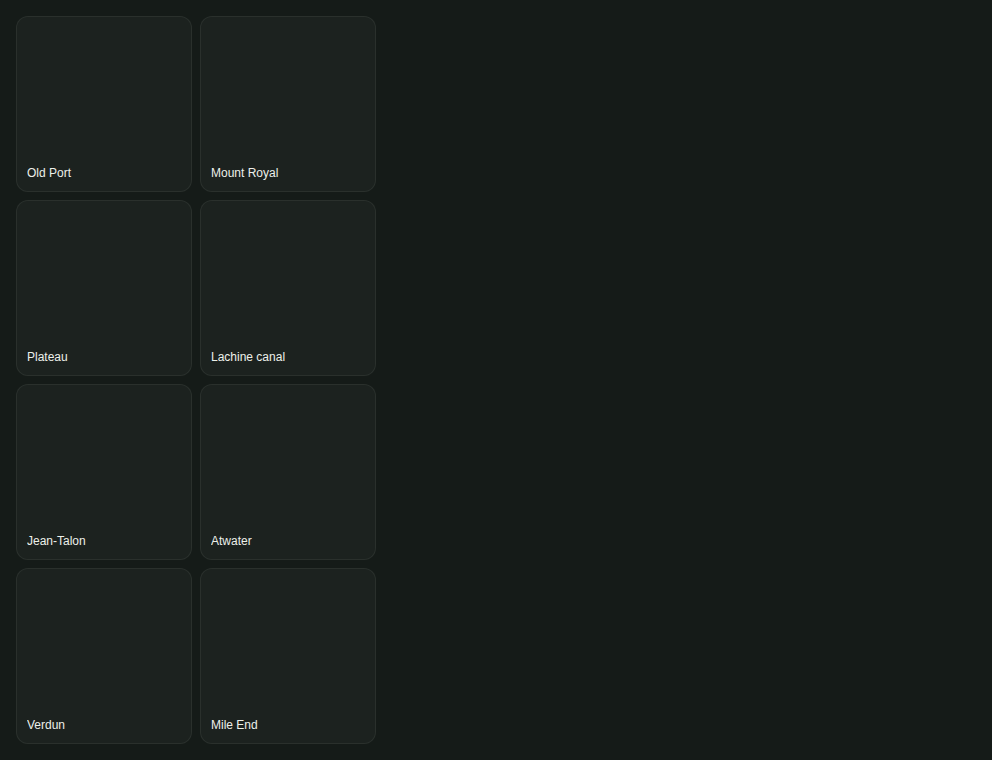
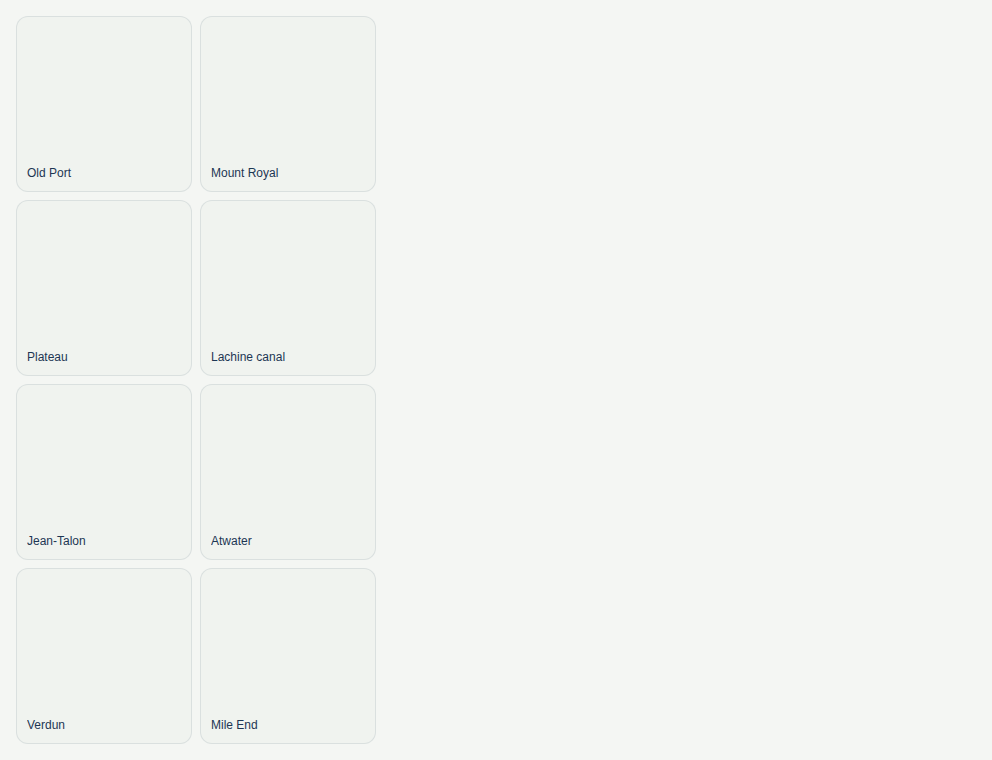
Photos
Two columns on a compact room, three on a regular one, four on an expanded one; tiles never narrower than 120 pt.
A stat strip
Cards of equal height: two per row on a phone, four on a tablet, one at 200 % text.


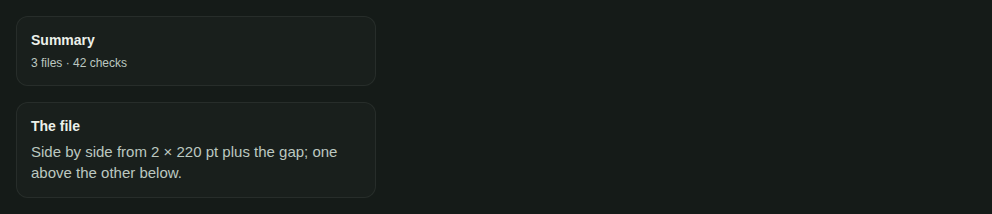
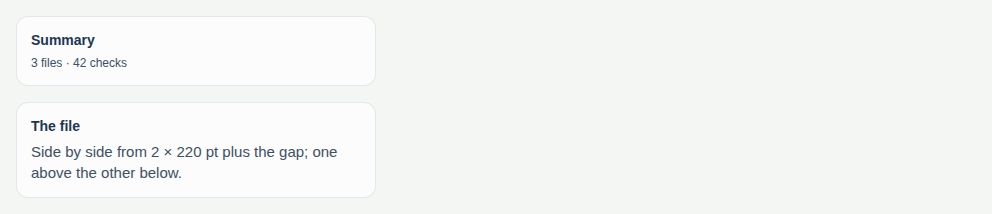
Columns
A third and two thirds that stack when the room cannot hold them.
Props
Grid
A grid that fits its room: it measures the width it is given, picks its columns from the size class of that width, and
keeps every cell at least minItemWidth wide so nothing overflows — in a phone, a split view or a tablet. The order is
the reading order, and it mirrors in right-to-left. Before the first measure it is one column.
| Prop | Type | Défaut | Description |
|---|---|---|---|
childrenrequis | ReactNode | — | The items. Each is one cell. |
aria-label | string | — | The accessible name when the grid is a list of things (role="list"). |
columns | GridColumns | — | Columns per size class of the room the grid is given (default 1 · 2 · 3), or one number. A ceiling: it drops when minItemWidth does not fit. |
equalHeight | boolean | true | The cells of a row are as tall as the tallest (default true): give the item flex: 1 to fill its cell. |
fontScale | number | — | The text scale to lay out for; by default the system's. Pass 2 to see 200 % text. |
gap | "none" | "xs" | "sm" | "md" | "lg" | "xl" | md | The space between cells (default md). |
maxColumns | number | 6 | The most columns, whatever the room (default 6). |
minItemWidth | number | 160 | No cell is narrower than this, in points (default 160); it grows with the text scale. |
style | StyleProp<ViewStyle> | — | Styles merged last. |
testID | string | — | For tests. |
Columns
A few columns that sit side by side when the room holds them and stack when it does not — the master and the detail, a form and its summary. It decides on the width it is given, not on the device, so it follows a split view or a rotation. Stacked, the columns keep their order and each takes the full width.
| Prop | Type | Défaut | Description |
|---|---|---|---|
childrenrequis | ReactNode | — | The columns, in reading order (the first is at the start edge, on the right in right-to-left). |
fontScale | number | — | The text scale to lay out for; by default the system's. |
gap | "none" | "xs" | "sm" | "md" | "lg" | "xl" | lg | The space between columns, and between stacked ones (default lg). |
minColumnWidth | number | 280 | Below this width per column, in points, the columns stack top to bottom (default 280); it grows with the text scale. |
style | StyleProp<ViewStyle> | — | Styles merged last. |
testID | string | — | For tests. |
weights | readonly number[] | — | The share of each column (default equal); [1, 2] is a third and two thirds. |
Accessibilité
- A grid with an
aria-labelis a list and its cells are list items, so a screen reader announcesPhotos, list, 8 items. - The reading order is the order of the children in every size class; columns only change where they sit.
- At 200 % text no cell is narrower than
minItemWidth× 2: the text wraps in a wide cell instead of being cut.
Bonnes pratiques
- Ask for columns by size class:
{ compact: 1, regular: 2, expanded: 3 }is the default; a gallery says{ compact: 2, regular: 3, expanded: 4 }. The numbers are a ceiling. - Set
minItemWidthto what the item needs to be readable (a stat card 140, a photo 100): the grid drops columns before an item gets narrower, so nothing overflows. - The minimum grows with the system's text scale: at 200 % a card that held two per row on a phone stacks into one. Test it with
fontScale={2}. - Cells of a row are as tall as the tallest: give the item
flex: 1(a plainViewis filled already), andequalHeight={false}for items of free height. - Use the gap tokens (
xs4,sm8,md12,lg16,xl24), never a number. - The size class is read from the width the grid is given (
useSizeClass()reads the window): inside a split view or a sheet the grid adapts to that, not to the screen. - Right-to-left needs nothing: the grid uses no physical edge, the first item is at the start edge.
Composants liés
Générée depuis le code de @krizaka/ui 3.65.0 : son meta.ts, ses exemples et ses types.Modifier cette documentation sur GitHub