Screen
A screen of the app — a header, the content (scrolling, rising with the keyboard), a footer — and the templates built on it: app shell, sign-in, profile, feed, chat, settings, a map, notifications.
Mobile uniquement — React Native, depuis @krizaka/ui/native. Bêta : son API peut encore changer à une version mineure.
Pourquoi il est là. Used by krizaka.com.
Quand l’utiliser
- Every screen of a React Native app.
- The starting point of a new app: copy a template and fill it.
Quand ne pas l’utiliser
- For a sheet over a screen.À la place : Dialog
Installation
Installer
npx expo install react-native-svg
npm install @krizaka/ui
Importer
import { Screen } from "@krizaka/ui/native";Enveloppez l’application une fois dans ThemeProvider de @krizaka/ui/native : chaque composant lit ses rôles de couleur.
Exemples
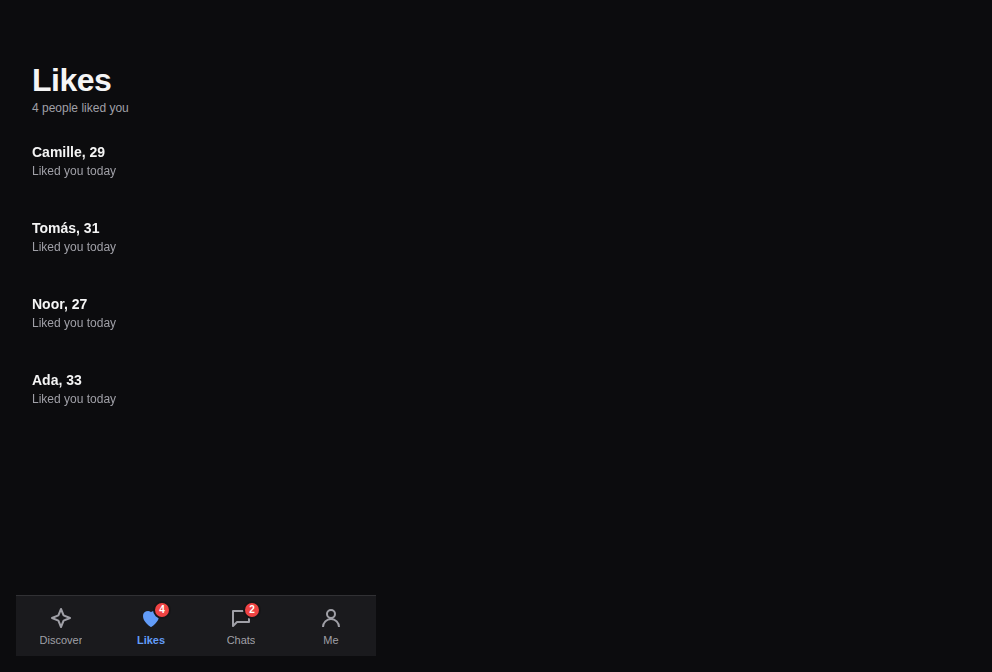
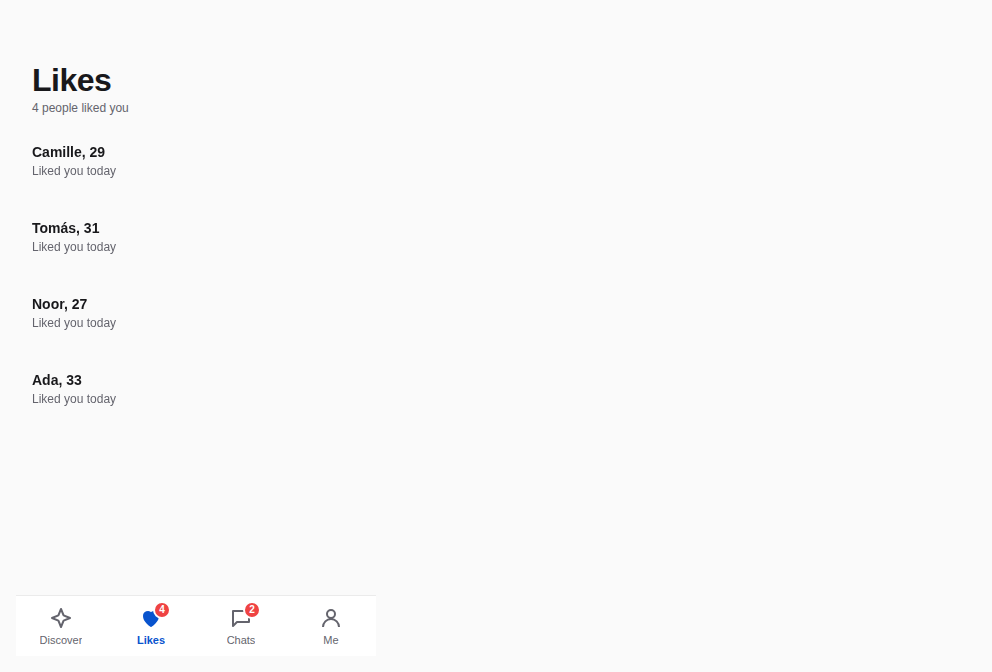
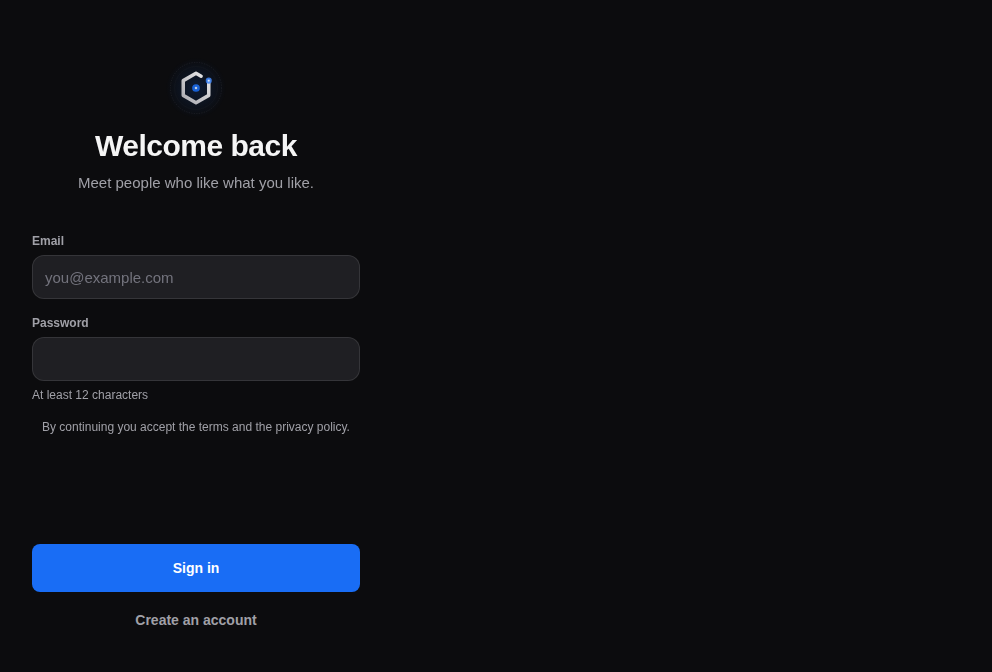
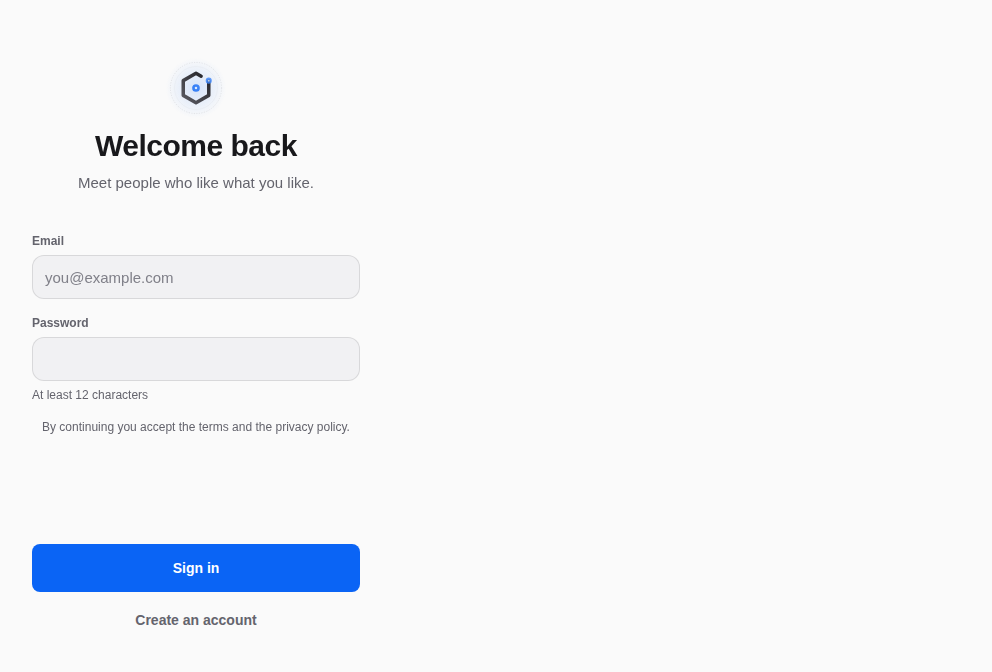
React Native n’a pas d’aperçu en direct sur le web : chaque exemple montre la capture de sa story, testée dans les deux thèmes, et le code à copier.
App shell
A header, a section's content, the tab bar.
Sign in
The mark, two fields, the main action pinned.
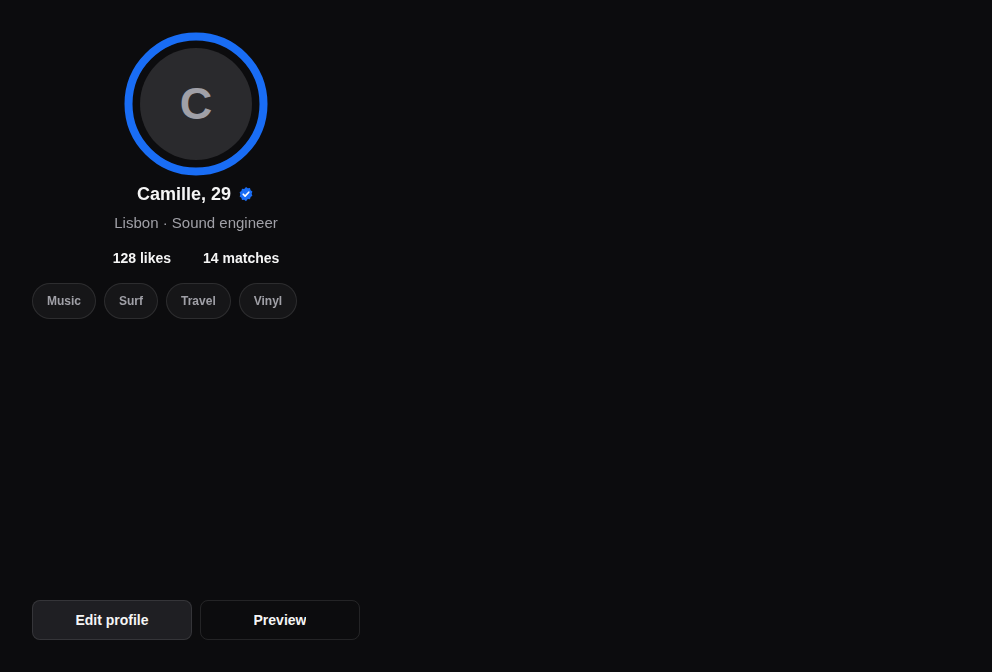
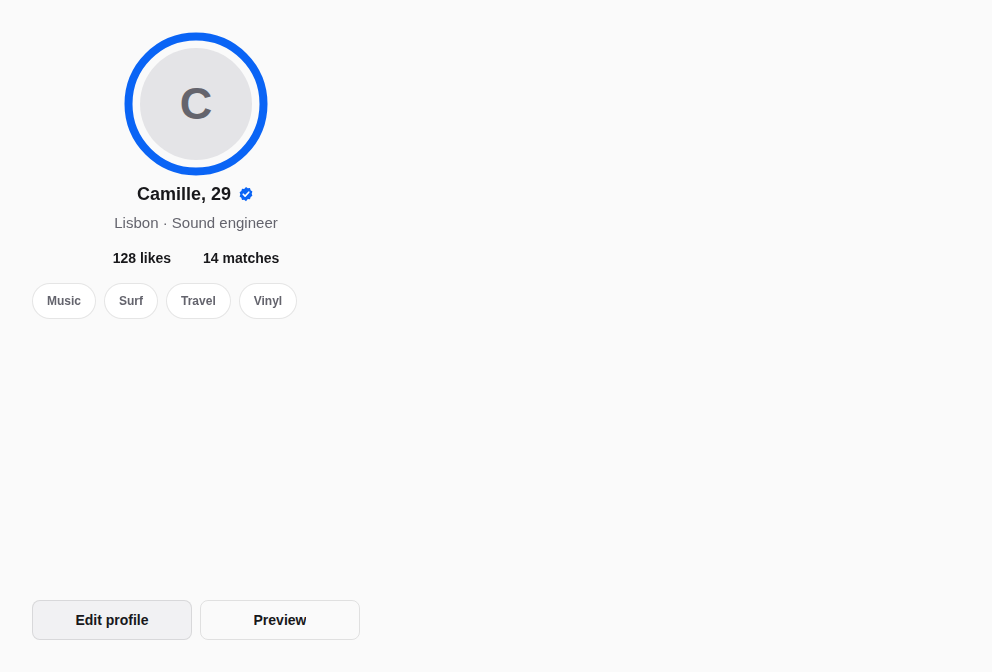
Profile
The photo and its ring, the facts, the interests.
Feed
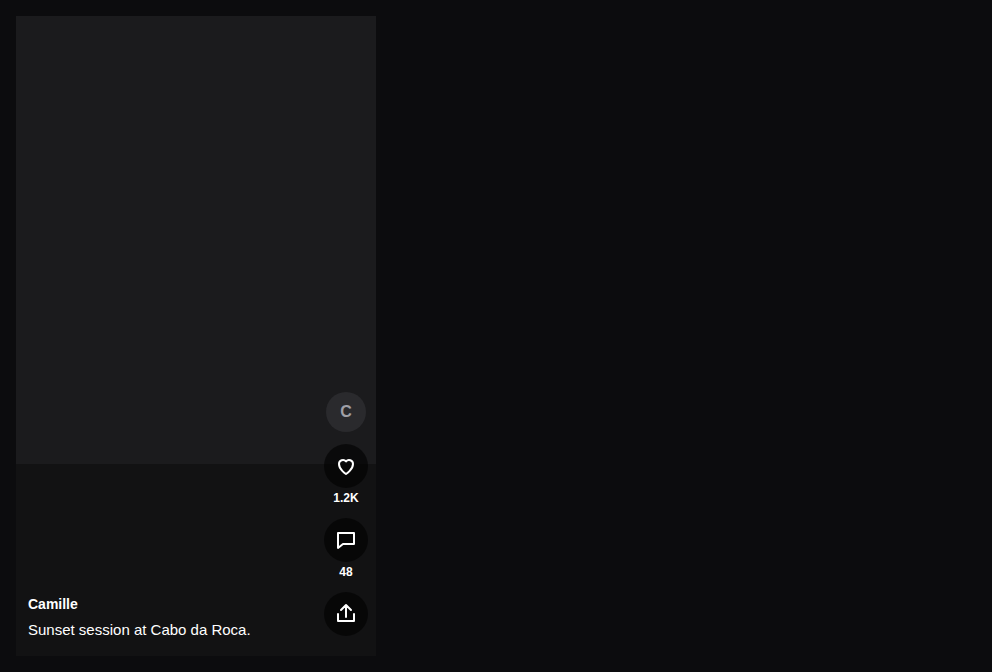
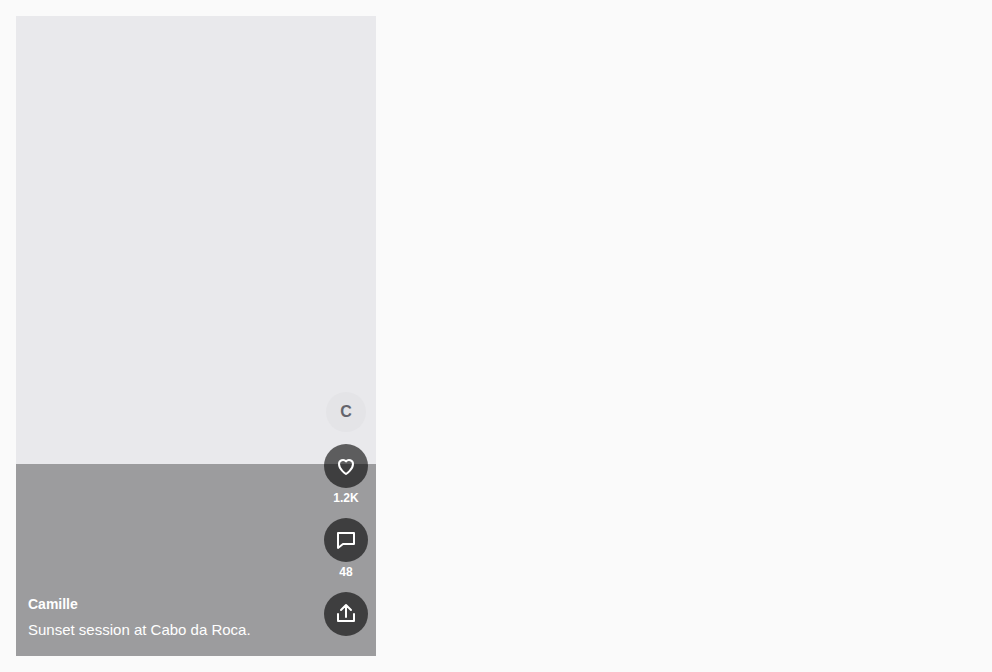
A vertical feed: one clip per screen, the action rail on the right, the caption bottom-left; the one in view plays.
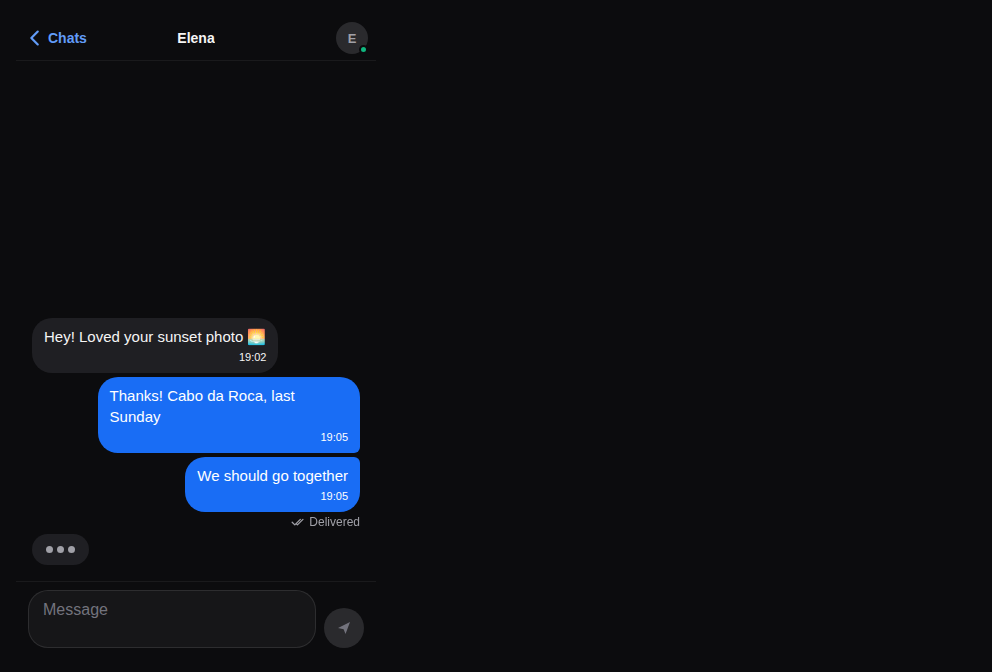
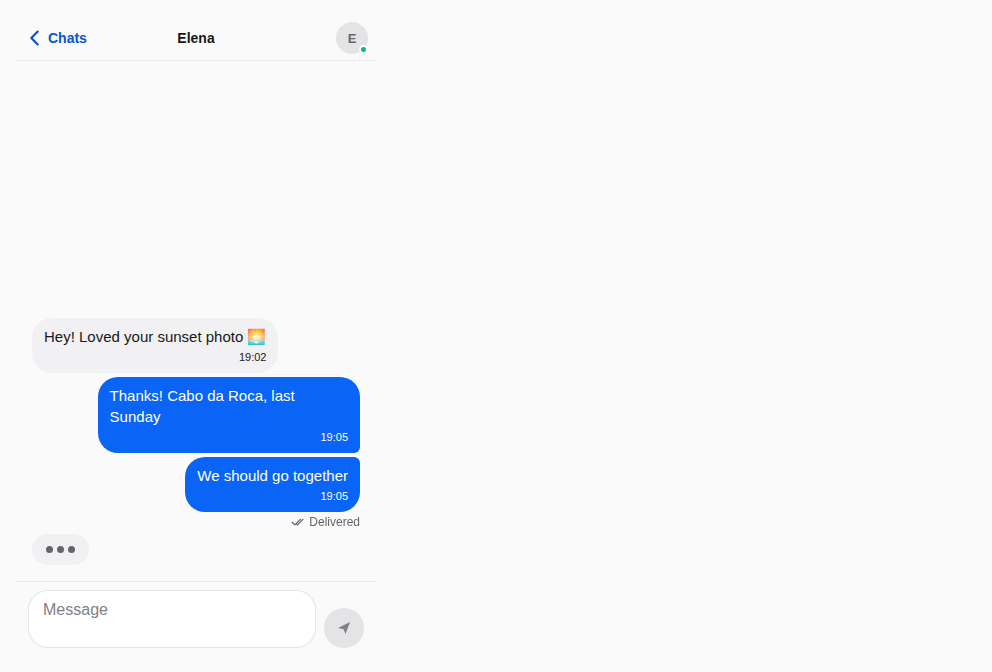
Chat
The person, the messages, the composer.
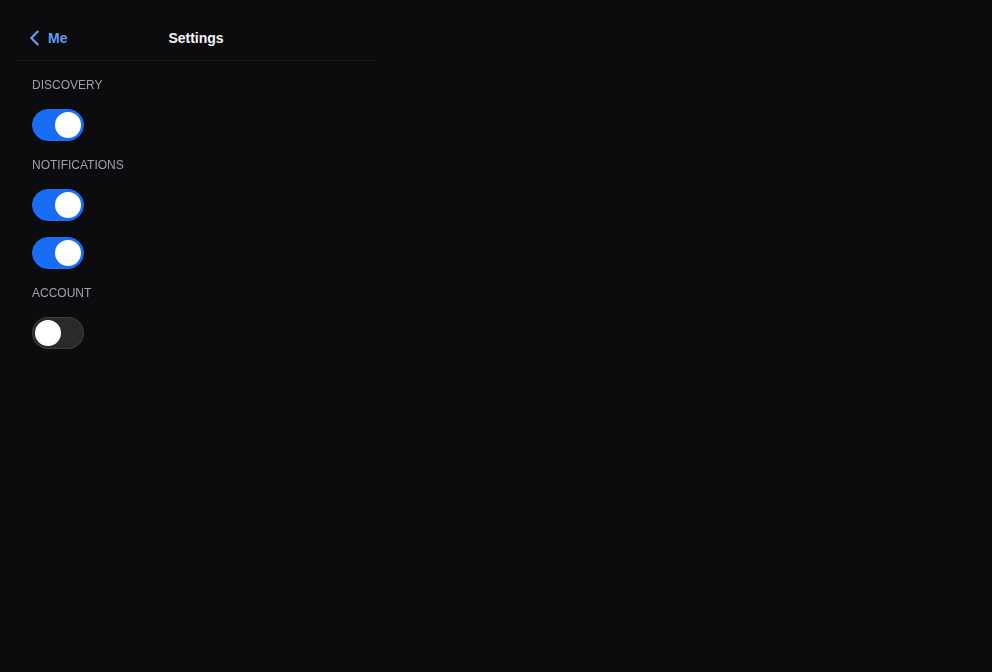
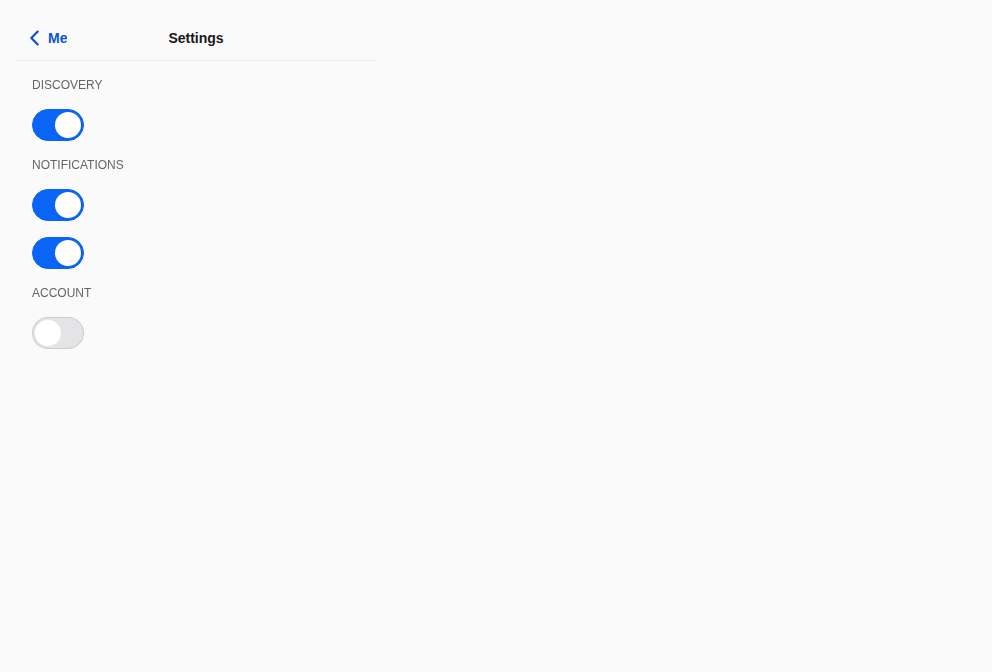
Settings
Sections of switches that apply at once.
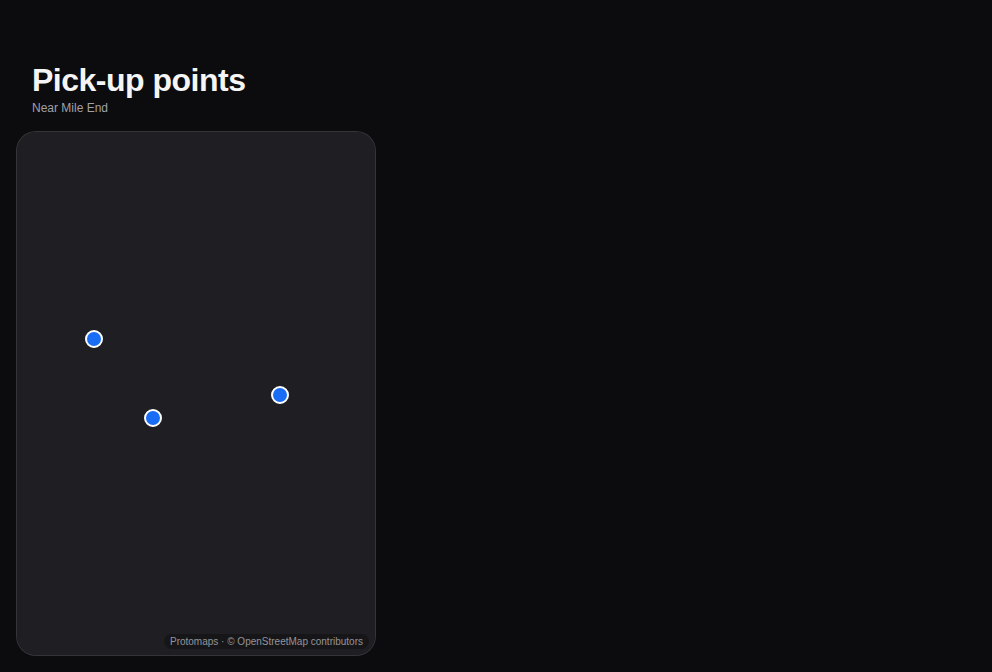
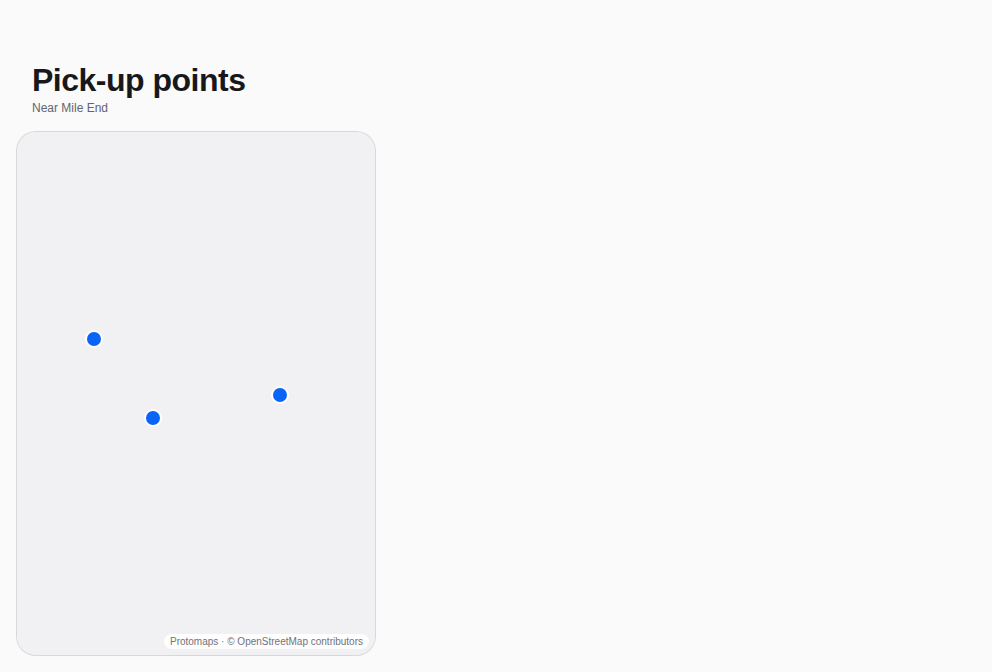
Map
The map fills the screen; a marker opens its place in a bottom sheet with the one action.
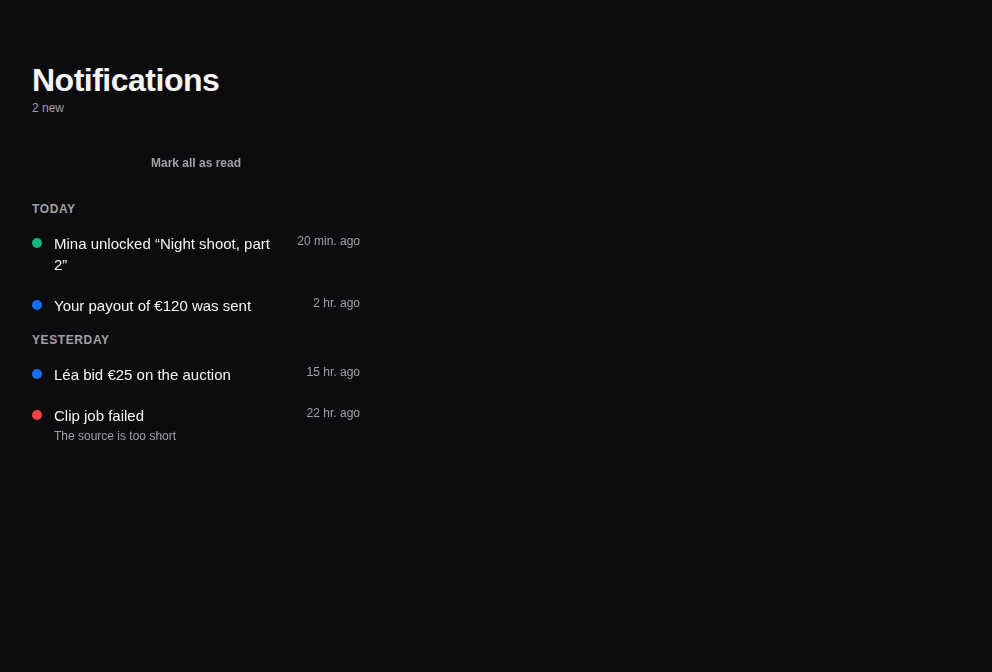
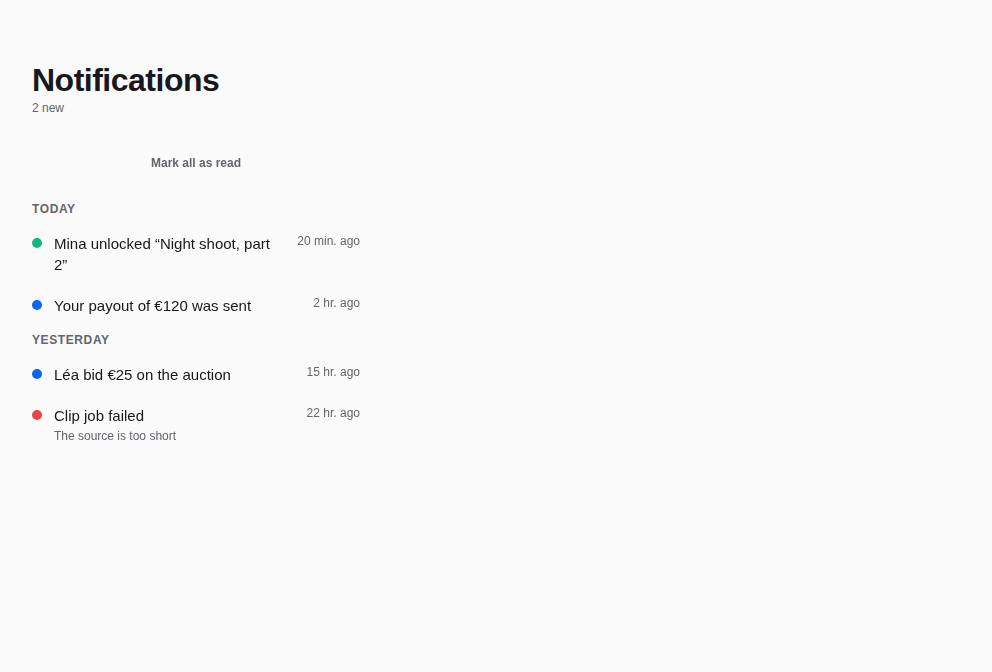
Notifications
What happened, newest first and by day, with mark-all-as-read as a button.
Props
A screen of the app: a header, the content (scrolling, rising with the keyboard), a footer — on the theme's surface, clear of the safe areas through its parts. The base of the templates: app shell, sign-in, profile, feed, chat, settings.
| Prop | Type | Défaut | Description |
|---|---|---|---|
childrenrequis | ReactNode | — | The content. |
contentStyle | StyleProp<ViewStyle> | — | Styles of the content. |
footer | ReactNode | — | At the bottom: a TabBar, a MessageComposer, a main Button (they keep clear of the home indicator). |
header | ReactNode | — | At the top: a Header, a StepProgress (they keep clear of the status bar themselves). |
keyboard | boolean | true | The content rises with the keyboard (a form, a chat). Default true. |
padding | number | 16 | Padding around the content. Default 16. |
scroll | boolean | true | The content scrolls (default) — or not, for a list that scrolls itself (List, FlatList). |
surface | "surface0" | "surface1" | surface0 | The surface: surface0 (default) or surface1. |
Accessibilité
- The parts keep the safe areas; the content scrolls and is reachable by the keyboard on the web.
Bonnes pratiques
- Put a
Header(or aStepProgress) inheaderand aTabBar, a composer or a main button infooter. scroll={false}when the content is a list that scrolls itself.
Composants liés
Générée depuis le code de @krizaka/ui 3.10.0 : son meta.ts, ses exemples et ses types.Modifier cette documentation sur GitHub